Know Where Every Agent Is—And Reach Them Instantly
The Team Status Drawer keeps your entire team visible with one-click access to chat, call, or change their status.
See Team Collaboration in Action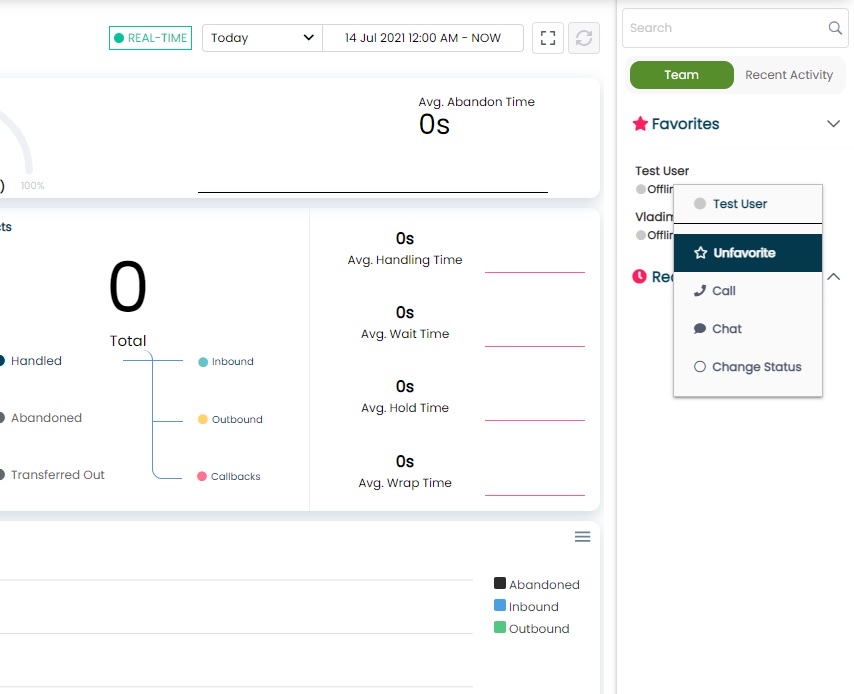
Reach Your Team Instantly
Multiple announcement types ensure your message gets through—whether it's routine information or an emergency.
Info Announcement
Routine updates and reminders
Emergency Announcement
Critical alerts requiring immediate attention
Team Status Drawer
Persistent visibility across all ConnectPath screens. Shows all agents with current status and duration, with favorites and search for quick access.
- Persistent visibility across all ConnectPath screens
- Shows all agents with current status and duration
- Mark agents as favorites for quick access
- Search by name
- Toggle to hide offline agents
Agent-to-Agent Communication
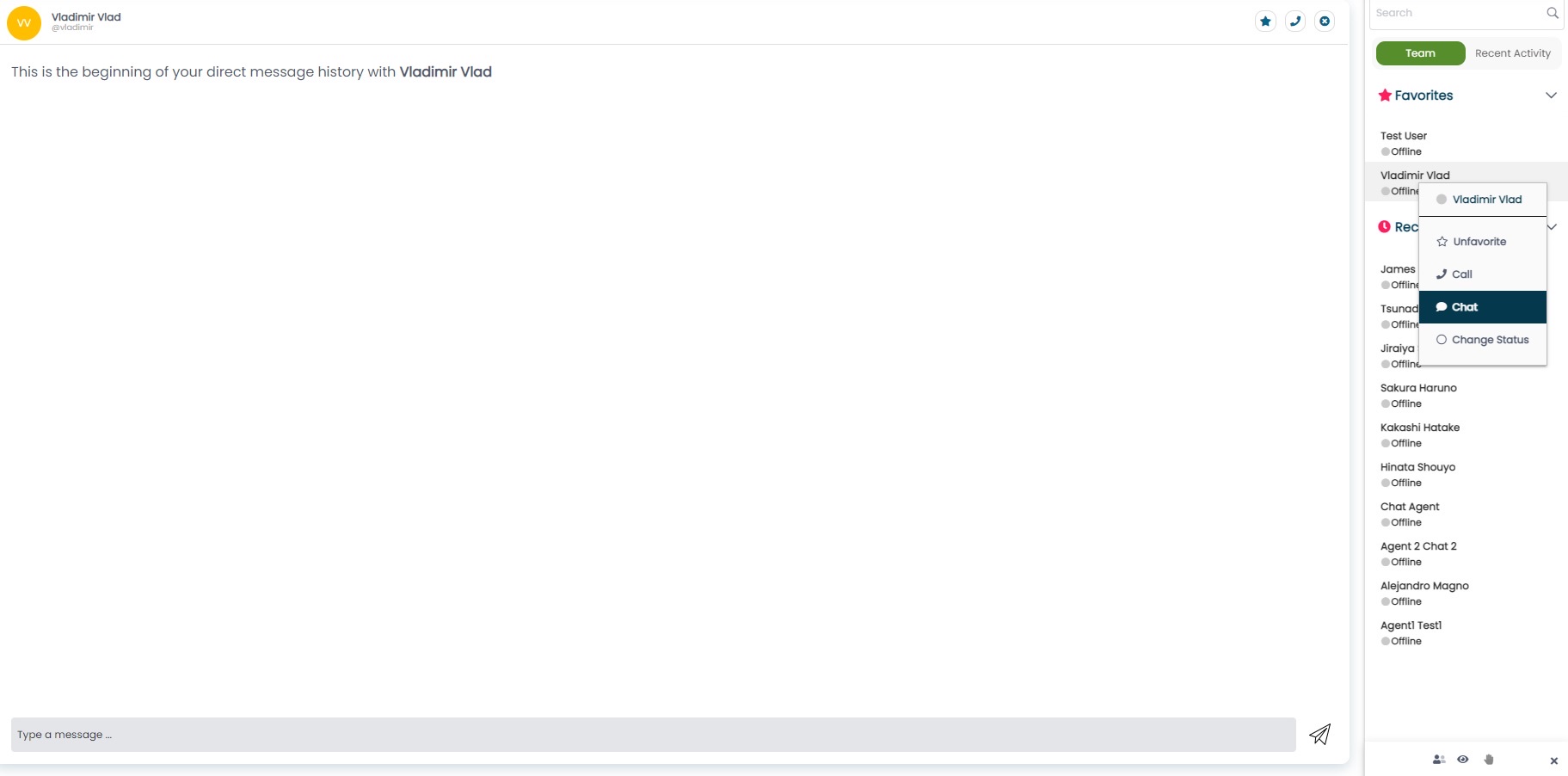
One-click chat and calling between agents—no third-party tools required. Microsoft Teams integration for Teams users in the drawer.
- One-click chat between agents (no third-party required)
- Peer-to-peer calling with metrics tracking
- Microsoft Teams integration for Teams users in drawer
- Full conversation history
Announcements
Multiple delivery methods to reach your team instantly. Screen pop, marquee scroller, or during-call display with urgency levels.
- Screen pop: Dialogue box delivery
- Marquee scroller: Persistent scrolling message
- During-call display: Show in Contact Details
- Urgency levels: Info (blue) or Emergency (red)
- Target specific queues
Remote Status Management
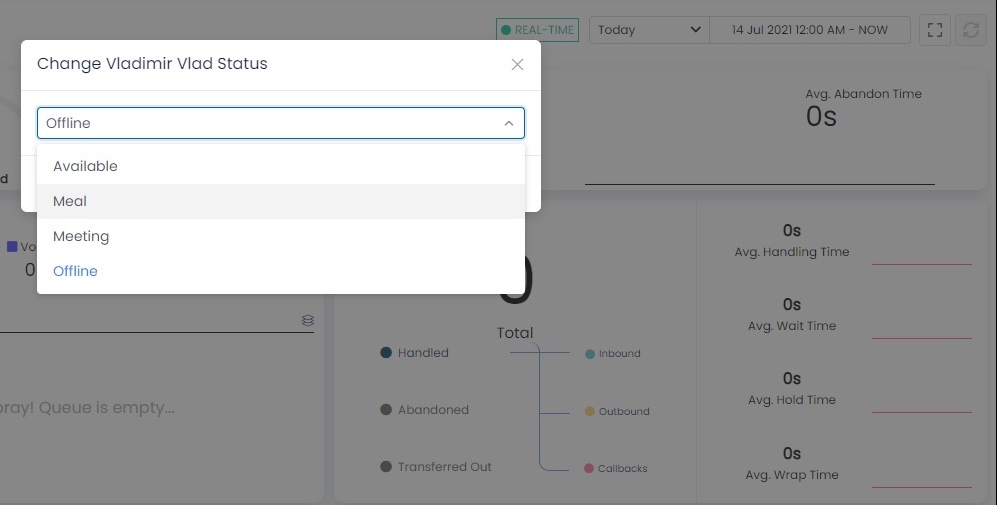
Supervisors can change agent status remotely. Useful for break management and emergency situations.
- Supervisors can change agent status remotely
- Useful for break management
- Handle emergency situations quickly
- No agent intervention required
Related Supervisor Tools
Start Your Free Trial
Deploy ConnectPath in less than 15 minutes and connect your team instantly.
Get Started